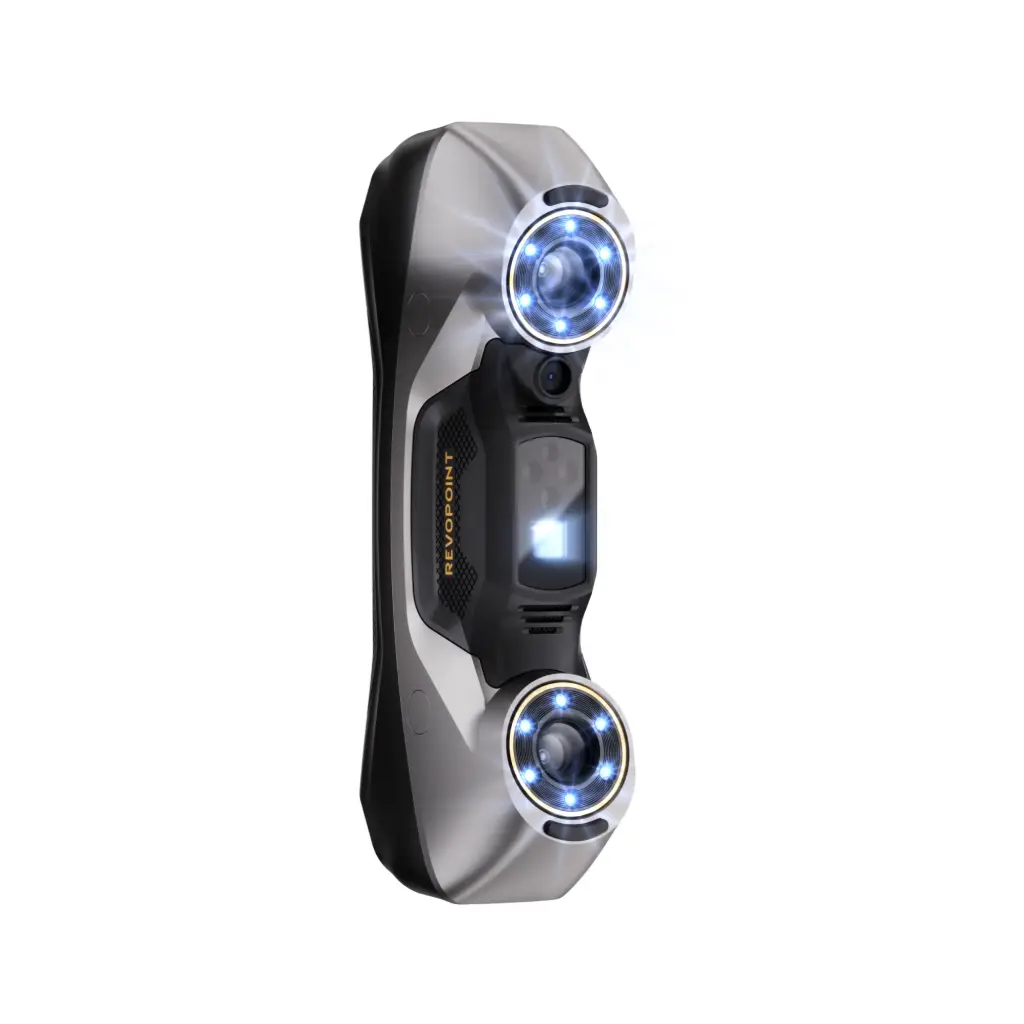
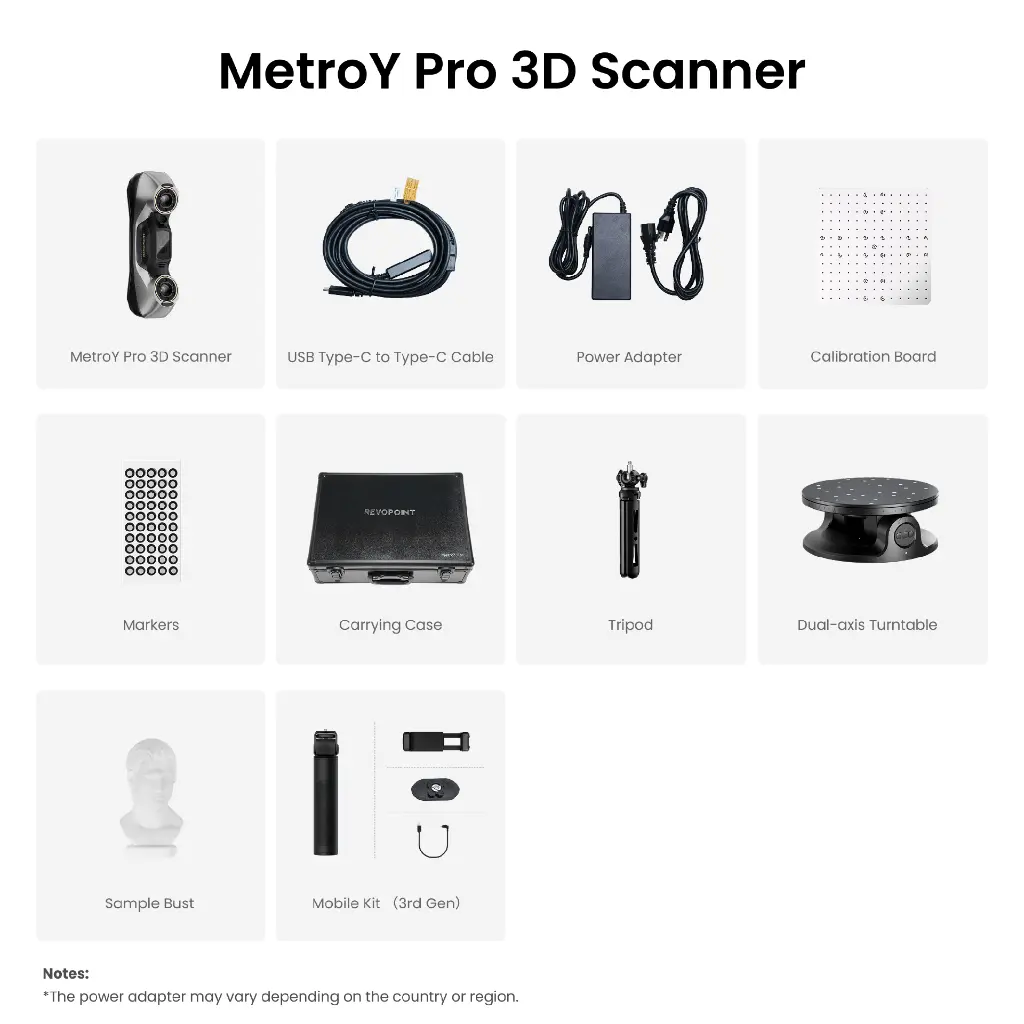
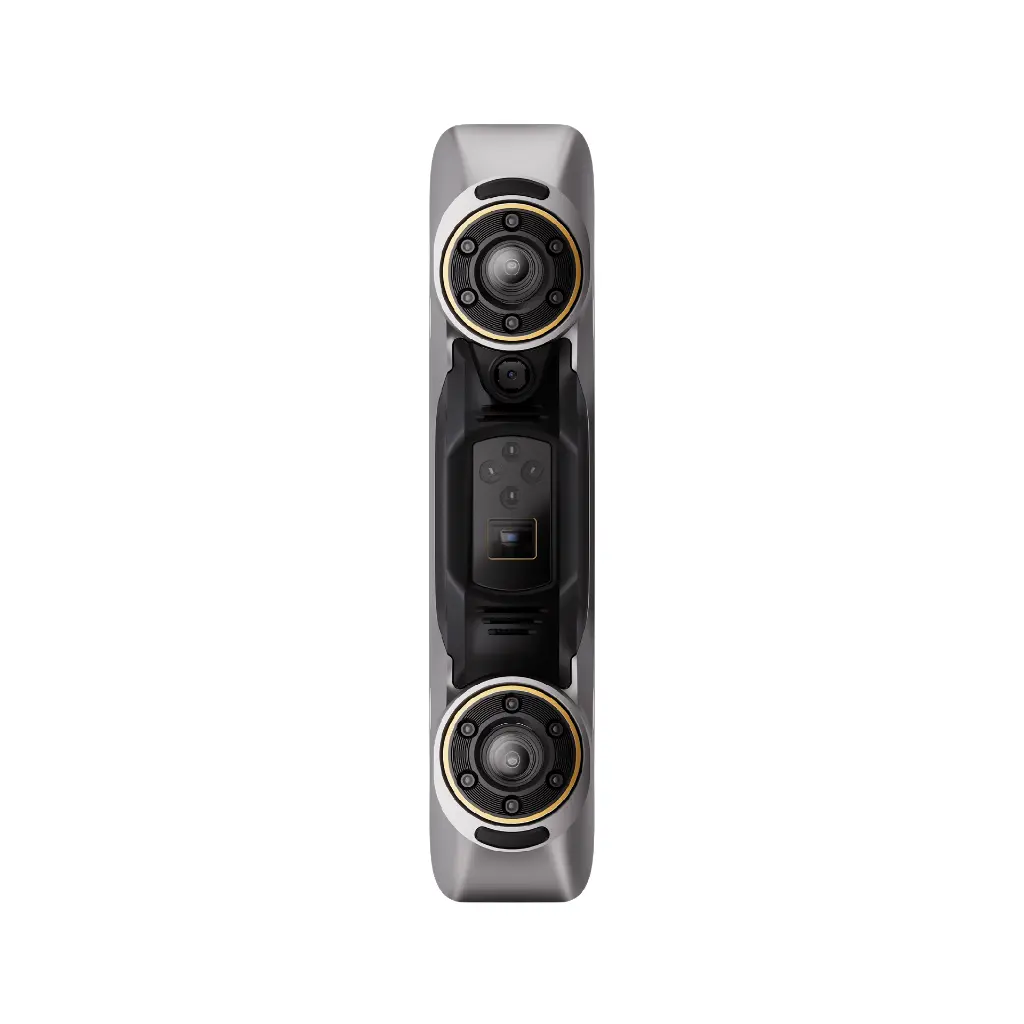
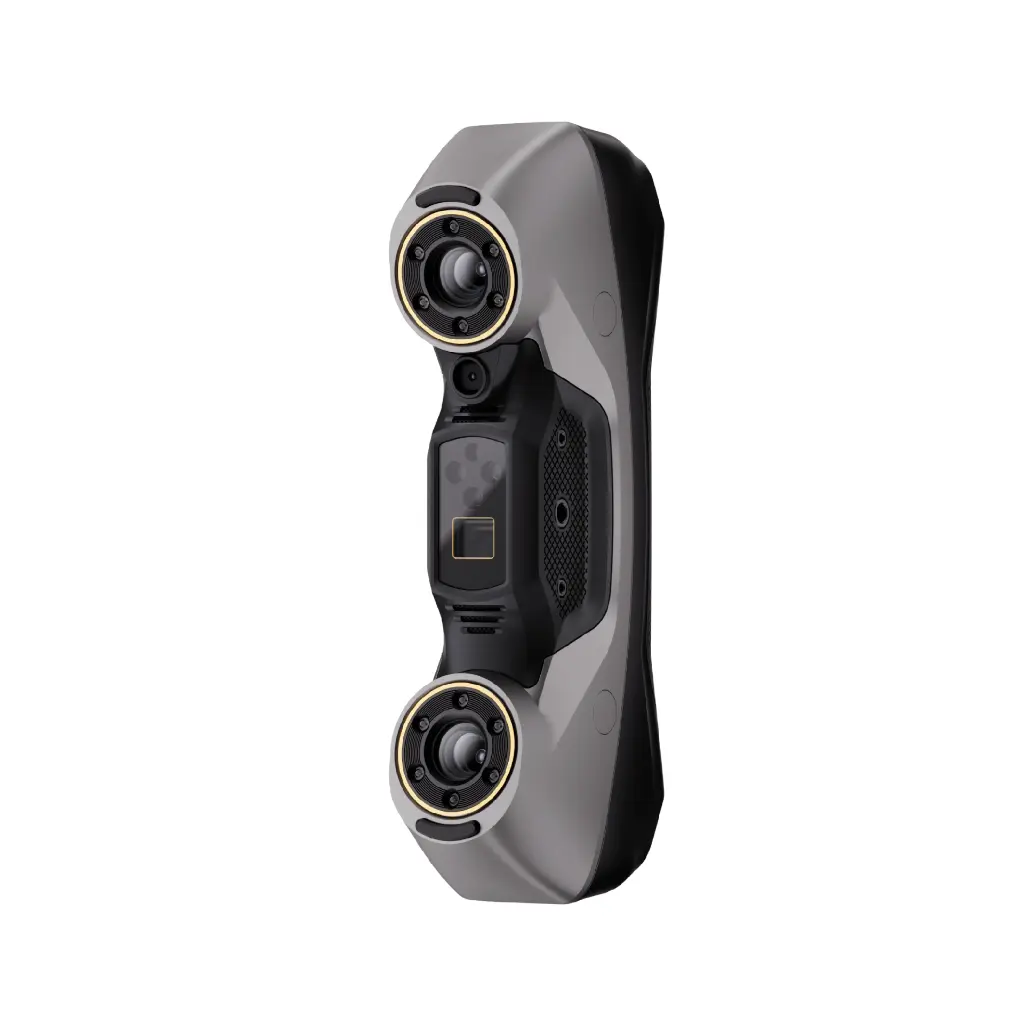
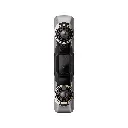
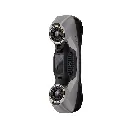
Revopoint MetroY 3D scanner
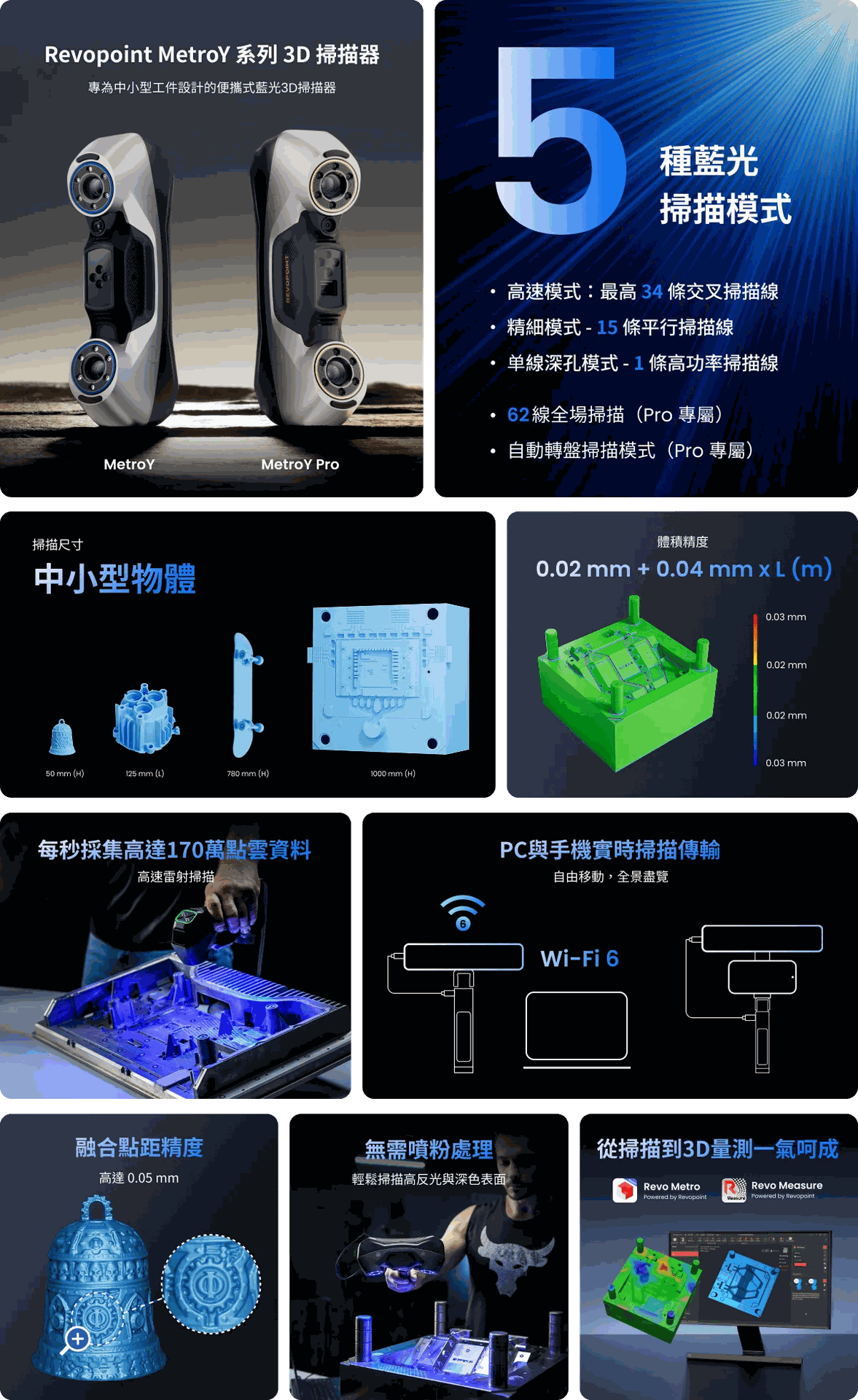
Ingenious design, comprehensive capture
From complex geometries to difficult-to-scan surfaces, the MetroY series offers three blue laser scanning modes to help you complete tasks with ease.
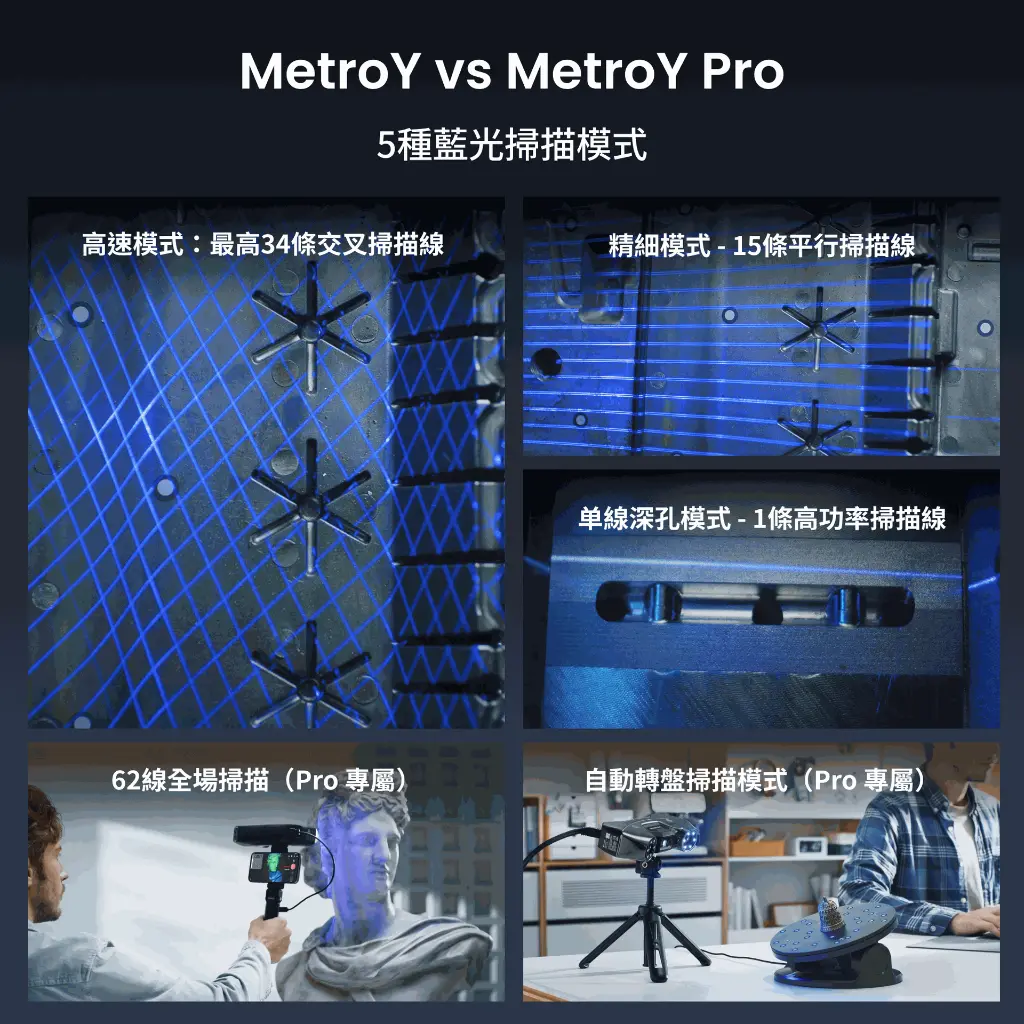
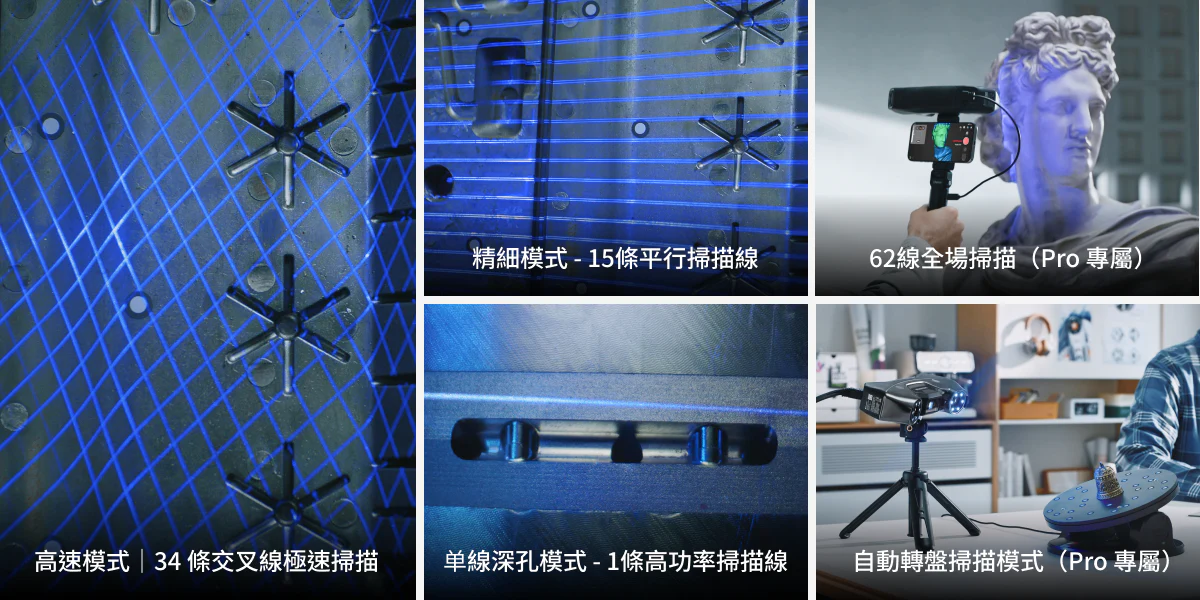
High-speed mode - Up to 34 cross scanning lines
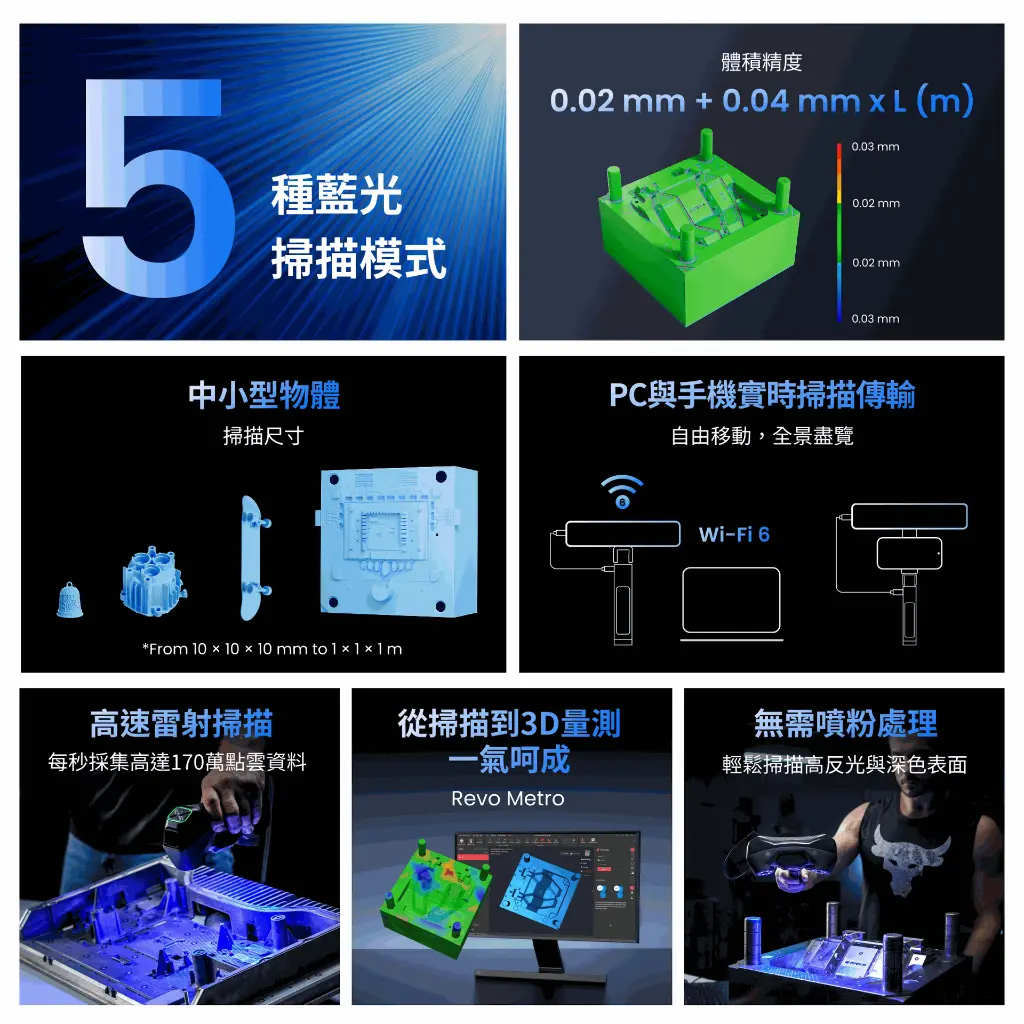
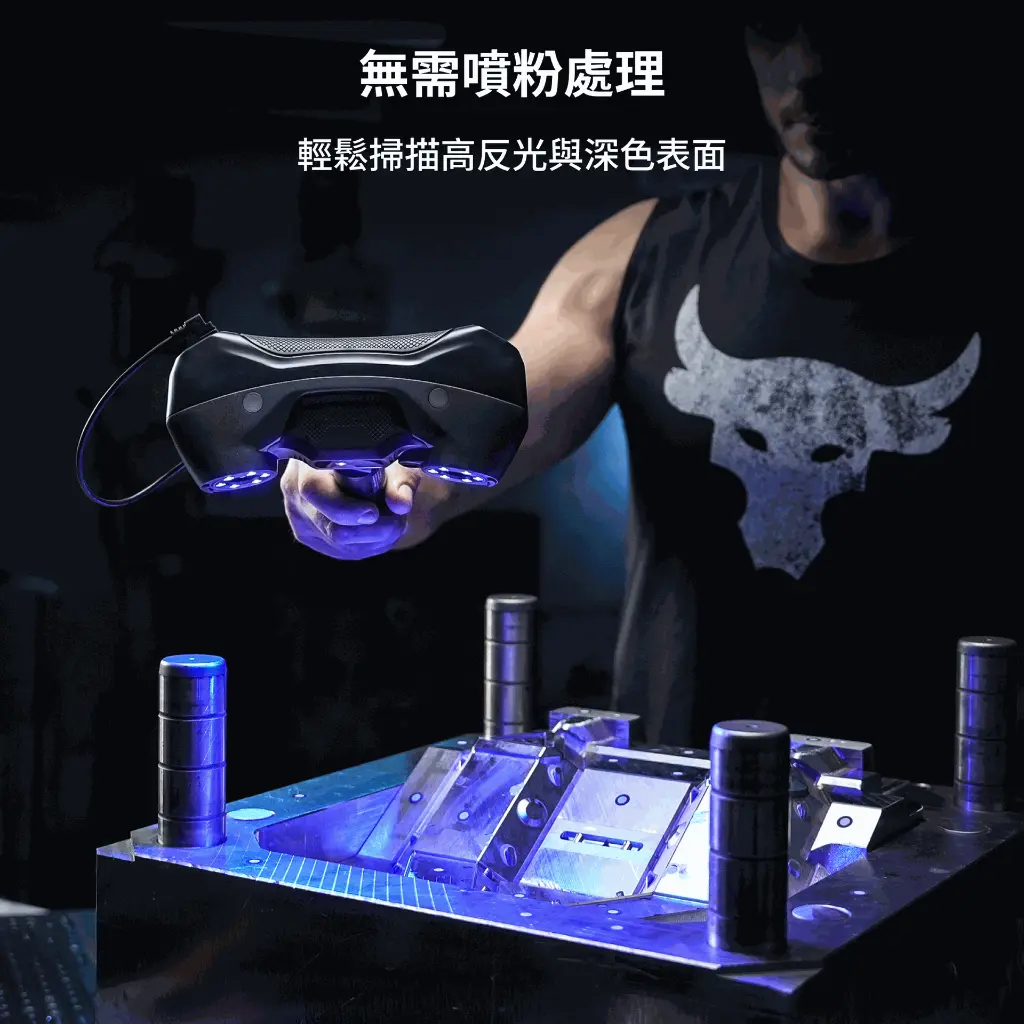
Accurately capture flat, highly reflective, and black surfaces without the need for spray powder, with high-speed collection of 1.7 million points per second, quickly obtaining precise data.

Fine mode - 15 parallel scanning lines Deep hole mode
Using a high-power parallel line mode, it can accurately capture fine features, edges, and complex surfaces, significantly enhancing the clarity and accuracy of 3D models.

Deep hole mode - Single line enhanced scanning
Utilising a powerful single line scanning mode, it can perfectly capture details of deep holes, gaps, and grids.

MetroY Pro, capturing more possibilities
MetroY Pro Two new types of blue light full-field structured lightScanning mode
Expanding scanning flexibility to meet higher demands.
Full-field blue light structured light scanning
When facing feature-rich objects, complete scans can be achieved in seconds without the need for marker points, using 62 high-intensity structured blue light lines. Generate dense point clouds of up to 7 million points per second, quickly obtaining precise 3D data.

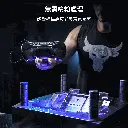
Automatic turntable scanning
One-click operation for easy full-automatic scanning. Combined with MetroY Pro, Revo Metro software, and a dual-axis turntable, create ultra-fine models with stunning results every time.

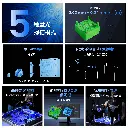
Smart scanning: 5 modes to tackle various challenges
MetroY Pro features 5 scanning modes, easily handling complex geometries and surfaces.
Advanced blue laser array supports 'cross lines', 'parallel lines', and 'single line laser 3D scanning',
paired with blue structured light to achieve rapid handheld 'full-field scanning' and ultra-high precision 'automatic turntable mode'.
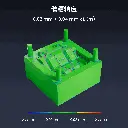
Precise presentation, no detail overlooked
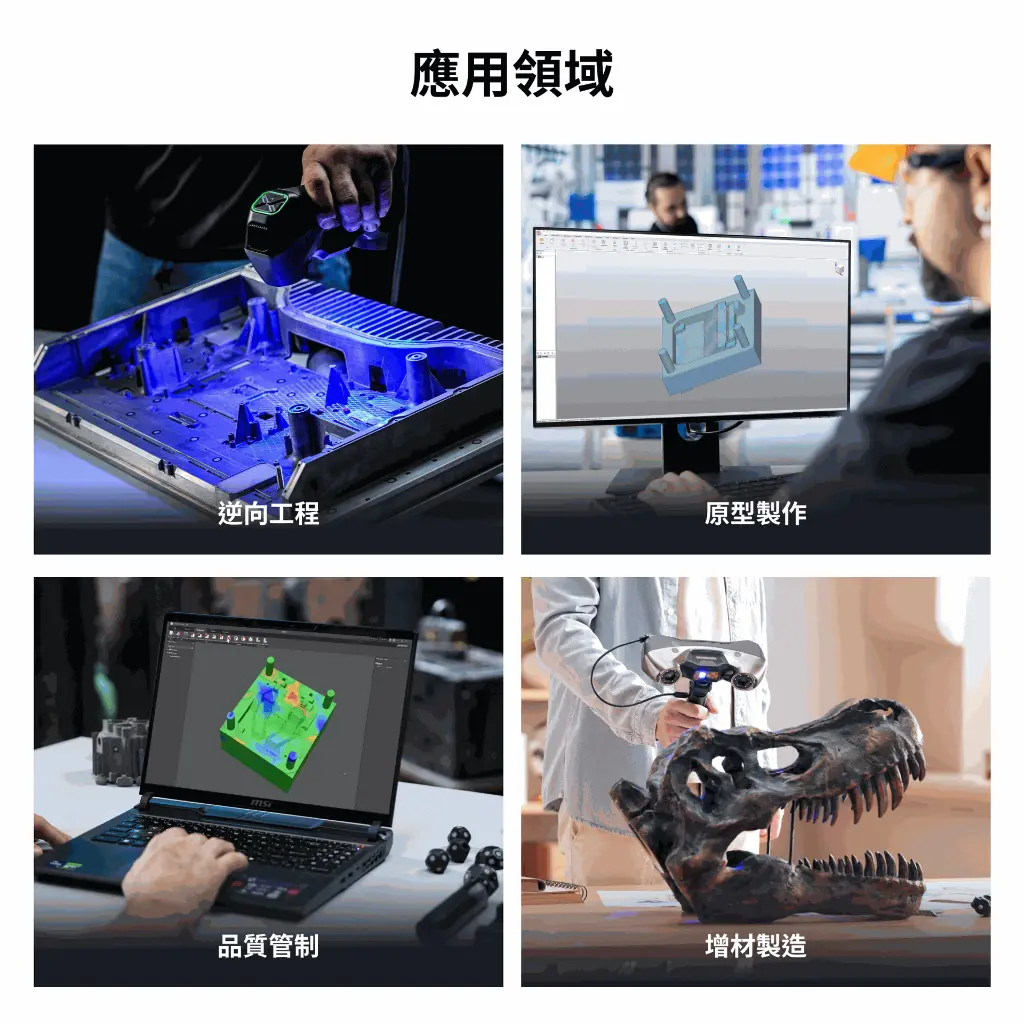
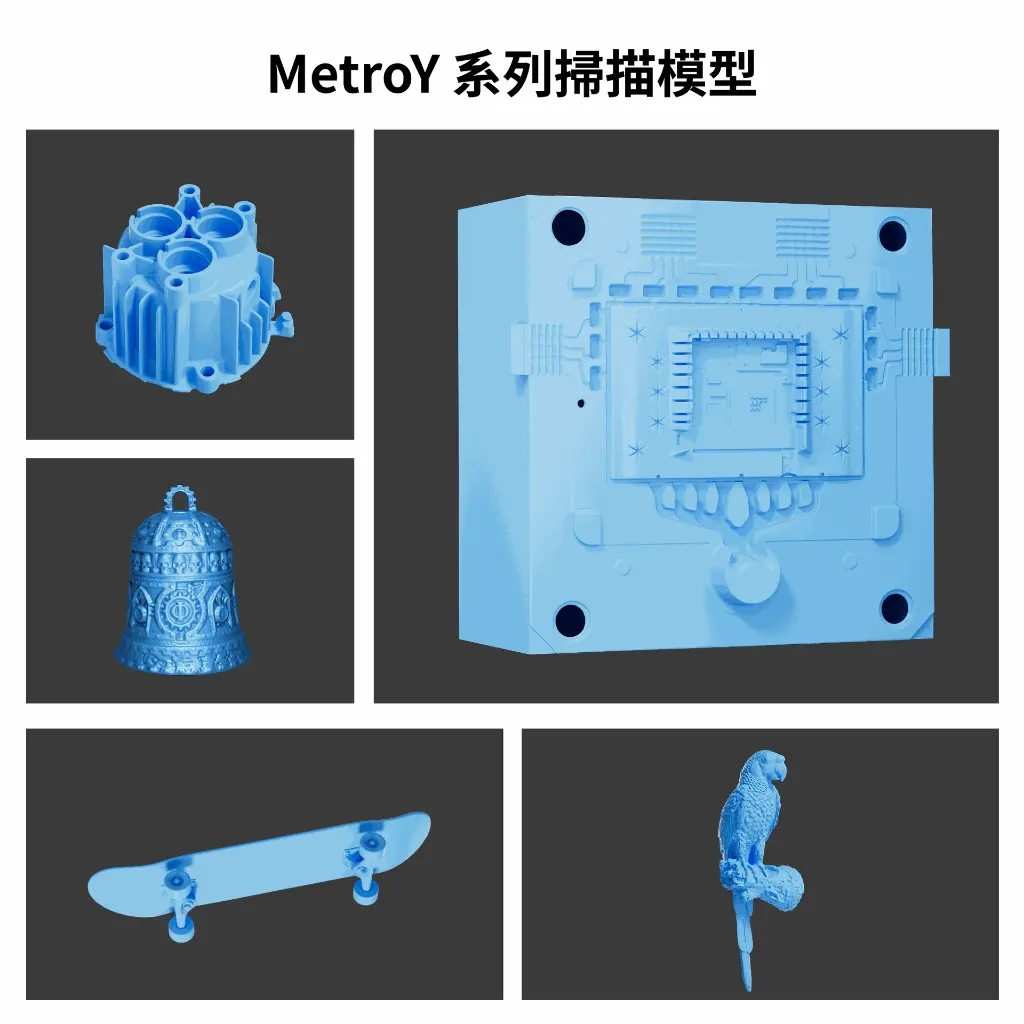
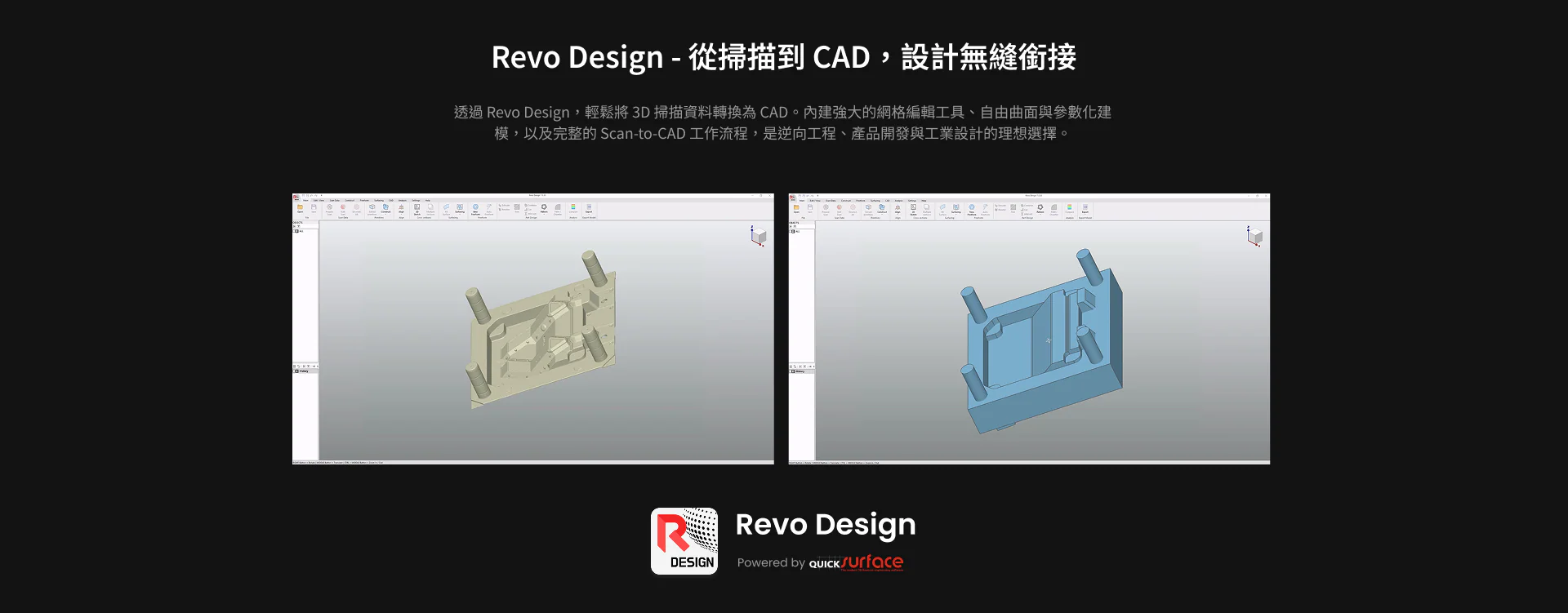
Accurately capture complex geometric details, generating high-precision 3D models that can be directly used for measurement or reverse engineering to CAD conversion.

Flexible scanning, easy control
Wireless imaging
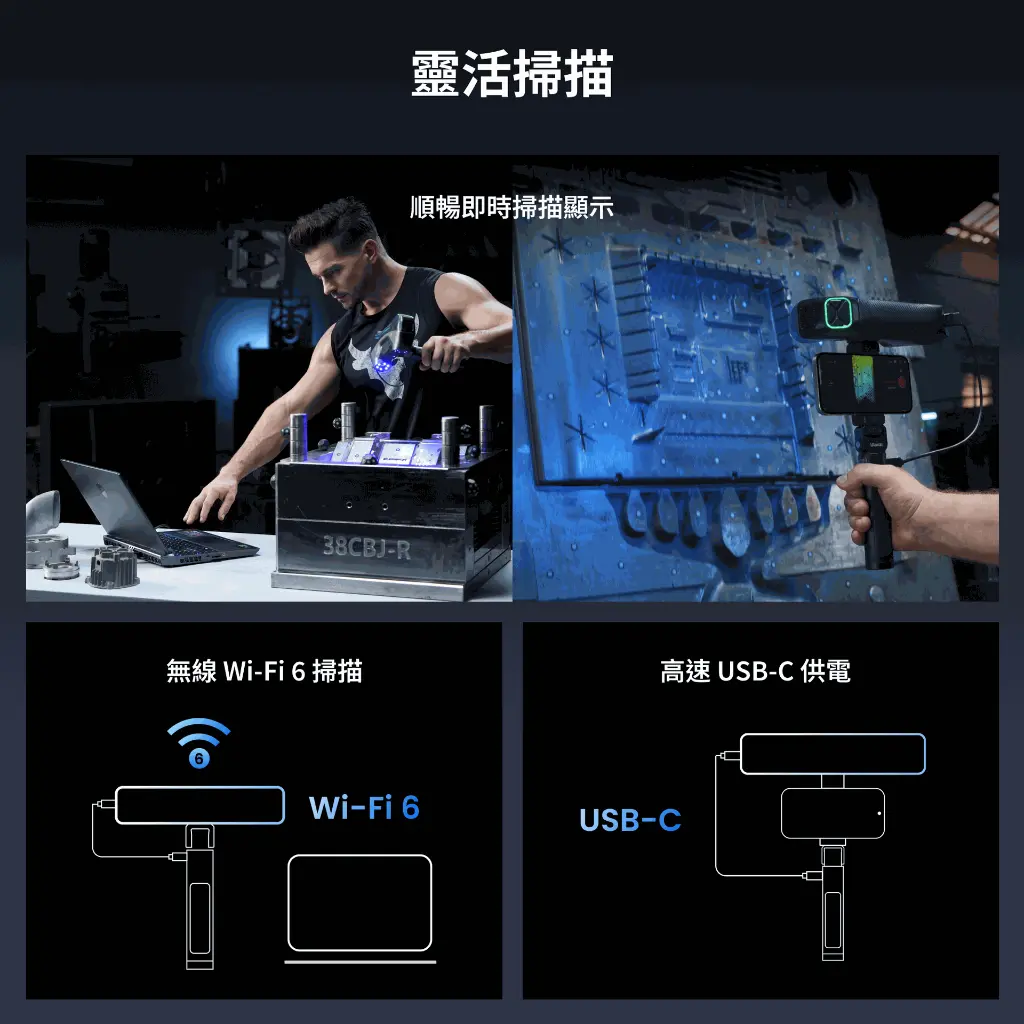
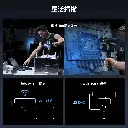
Break free from cable constraints and move freely while scanning. MetroY transmits scanning data in real-time via Wi-Fi 6, and processes it with PC hardware acceleration, while providing instant feedback on the Revo Mirror interface on devices or displays. Quickly identify blind spots or areas of data loss during the scanning process, allowing you to adjust scanning strategies at any time.
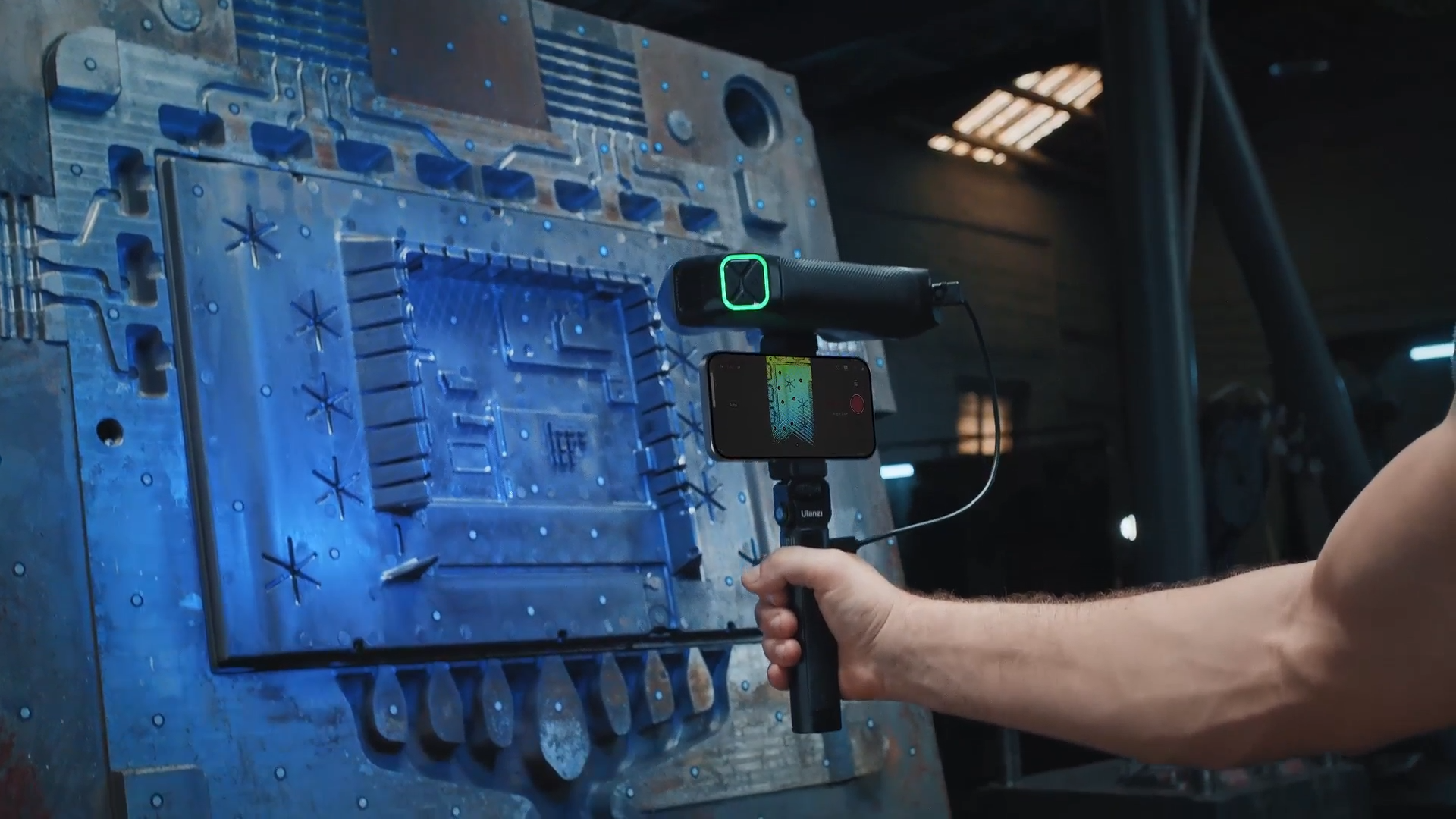
True colour capture, authentic restoration
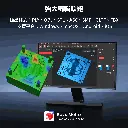
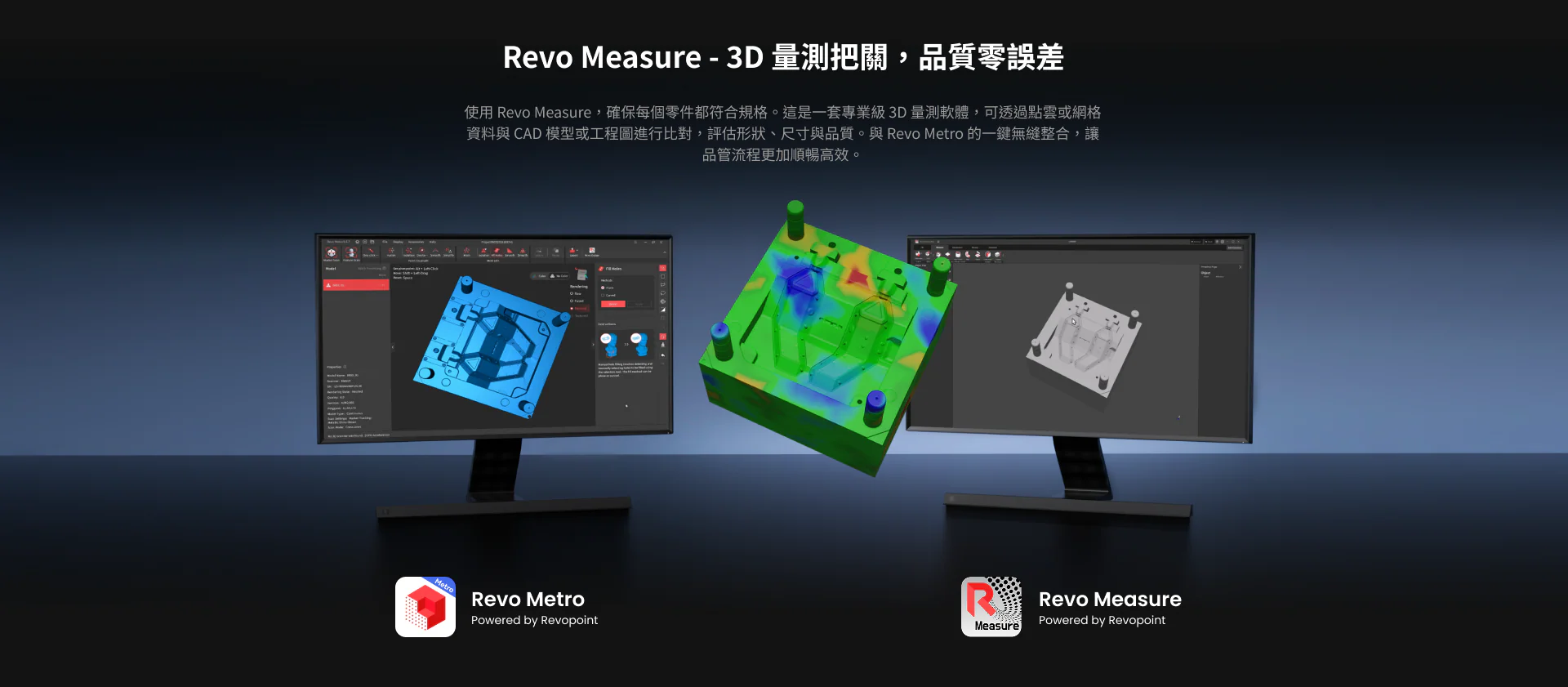
MetroY is equipped with a high-definition RGB camera lens that captures delicate surface textures, presenting vivid and realistic 3D visualisation effects. Scanning data seamlessly integrates with Revo Measure, enabling precise measurements and generating clear professional reports.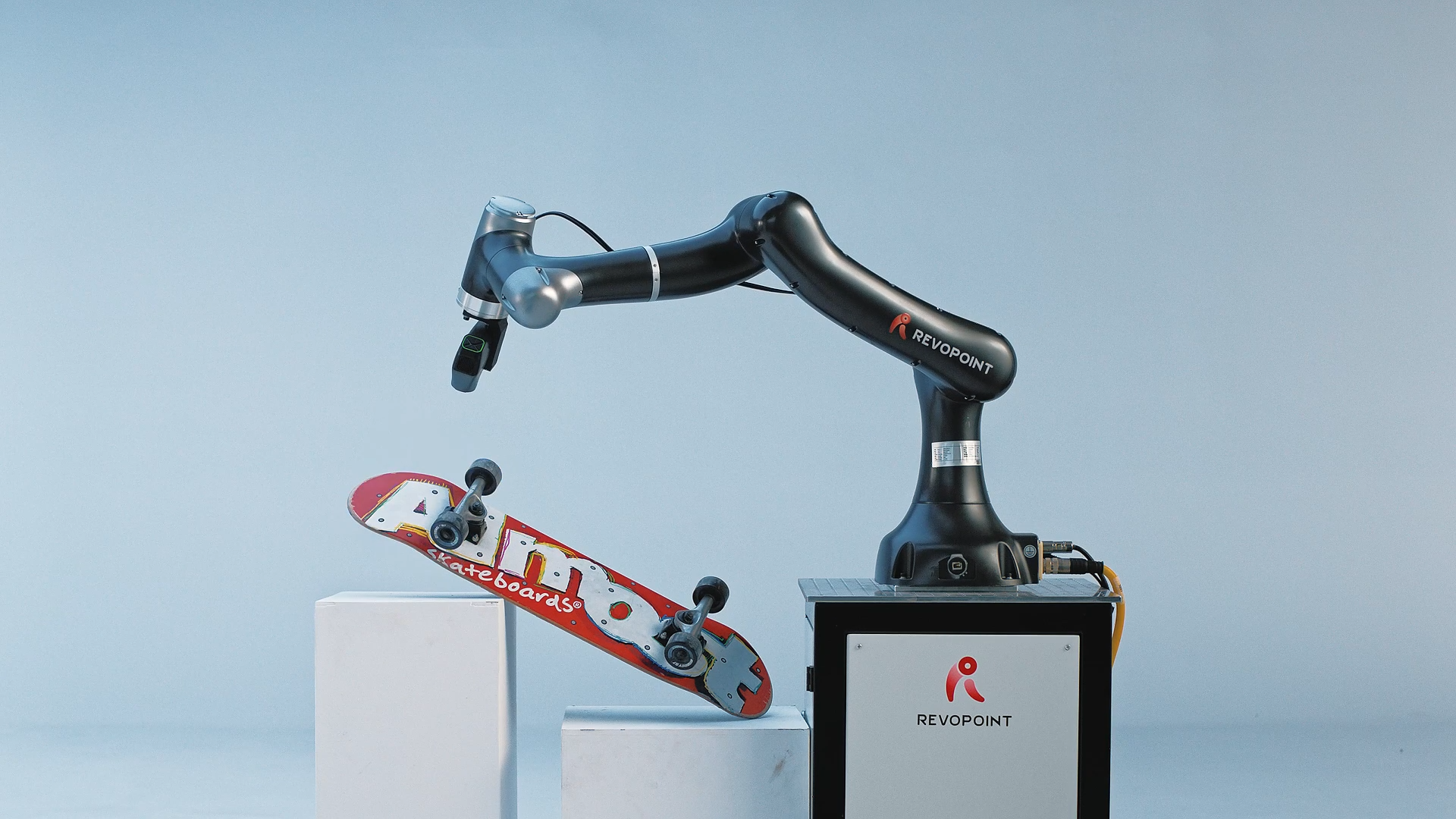
MetroY Pro further enhances colour scanning capabilities through automatic turntable mode, ensuring consistent texture alignment, achieving purer and more accurate scanning results, providing you with richer options.

Real-time temperature monitoring
The MetroY series is equipped with high-sensitivity temperature sensors that monitor environmental changes in real-time and display the scanner's temperature, effectively maintaining optimal operating conditions, avoiding accuracy shifts due to temperature fluctuations, ensuring every scan is precise and reliable.

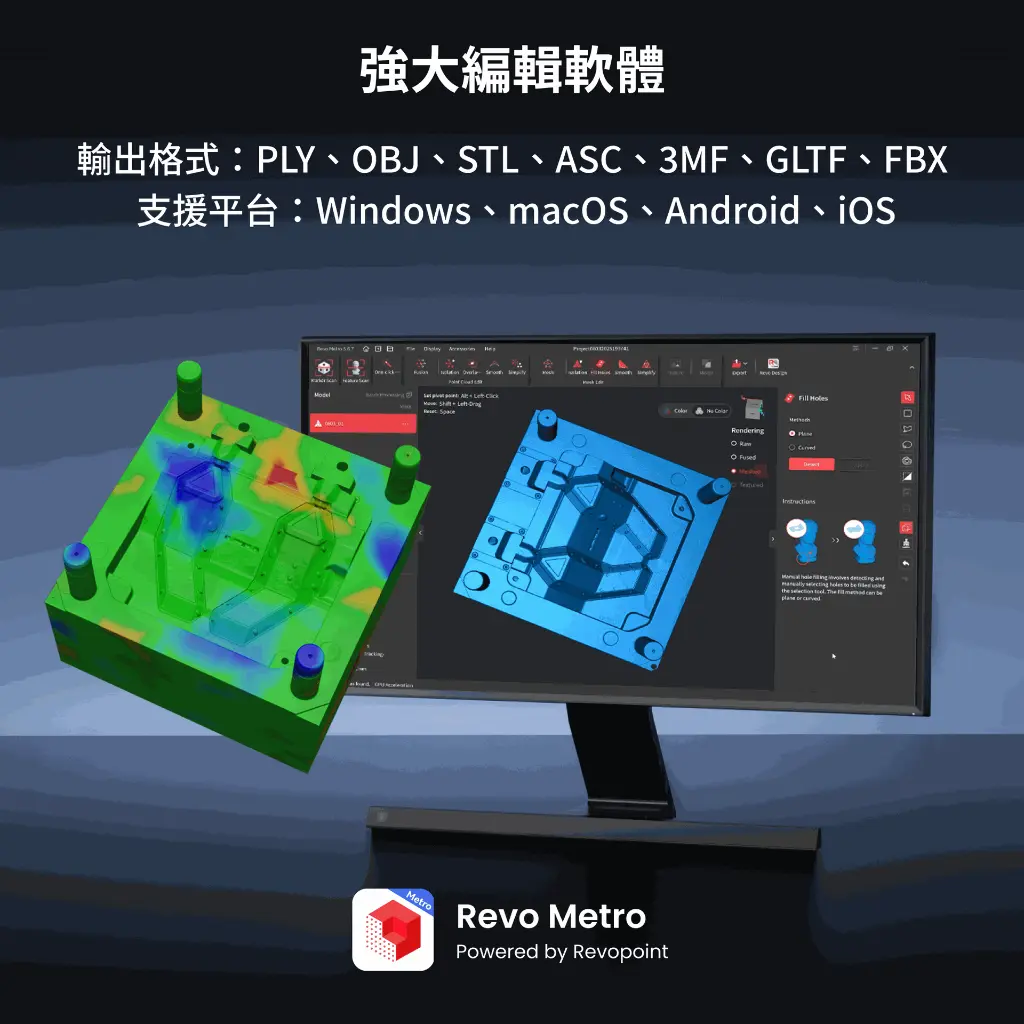
Four easy steps to modelling, all in Revo Metro software
With the free and powerful Revo Metro software from MetroY, you can intuitively create 3D models in just four simple steps.
Supported Platforms: Android, iOS, macOS and Windows
Output Formats: PLY / OBJ / STL / ASC / 3MF / GLTF / FBX
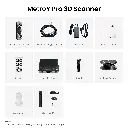
Contents

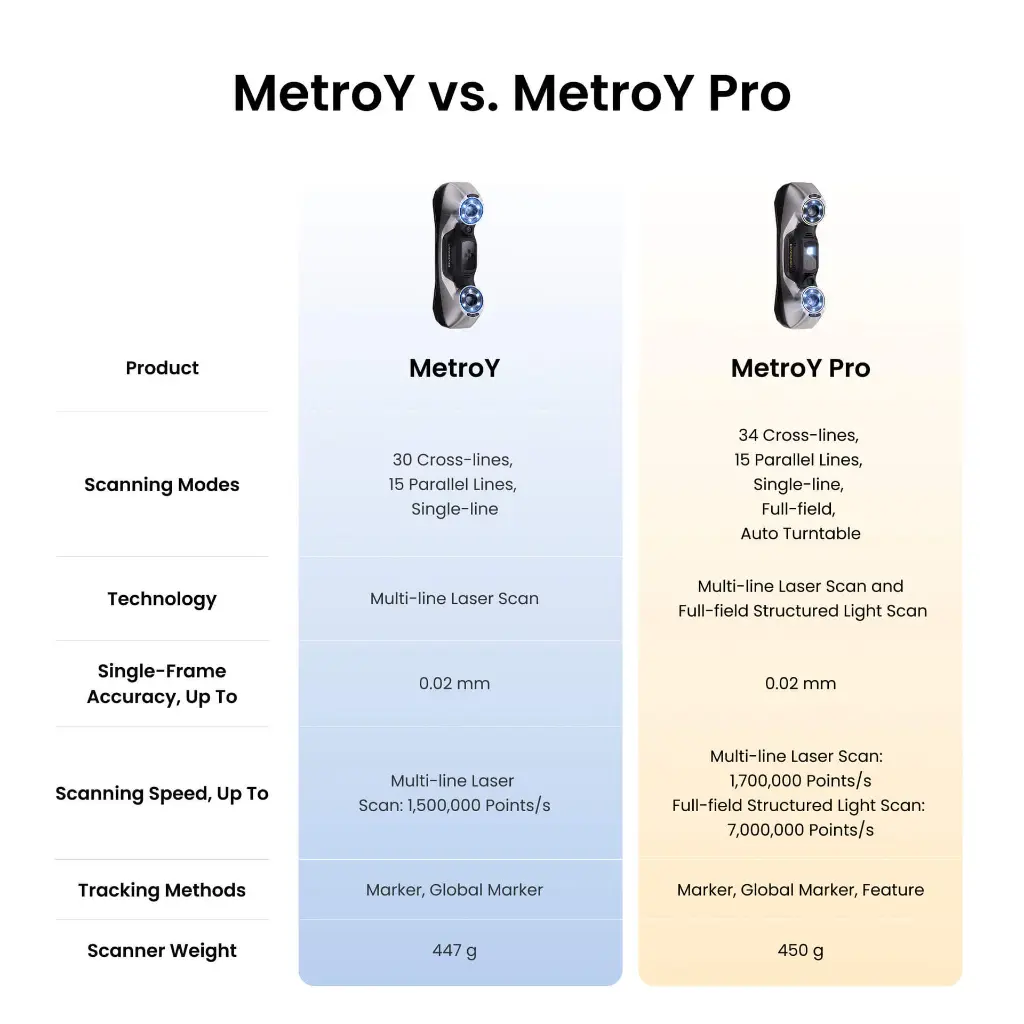
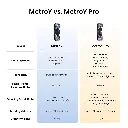
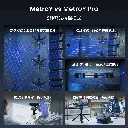
MetroY vs. MetroY Pro
Name | MetroY | MetroY Pro |
Scanning Type | Handheld | Handheld and Desktop |
Technology | Multi-line Laser Scan | Multi-line Laser Scan and Full-field Structured Light Scan |
Scannable Object Size | Small to Medium | Small to Medium |
Single-frame Precision, up to | 0.01 mm | 0.01 mm |
Single-frame Accuracy, up to | 0.02 mm | 0.02 mm |
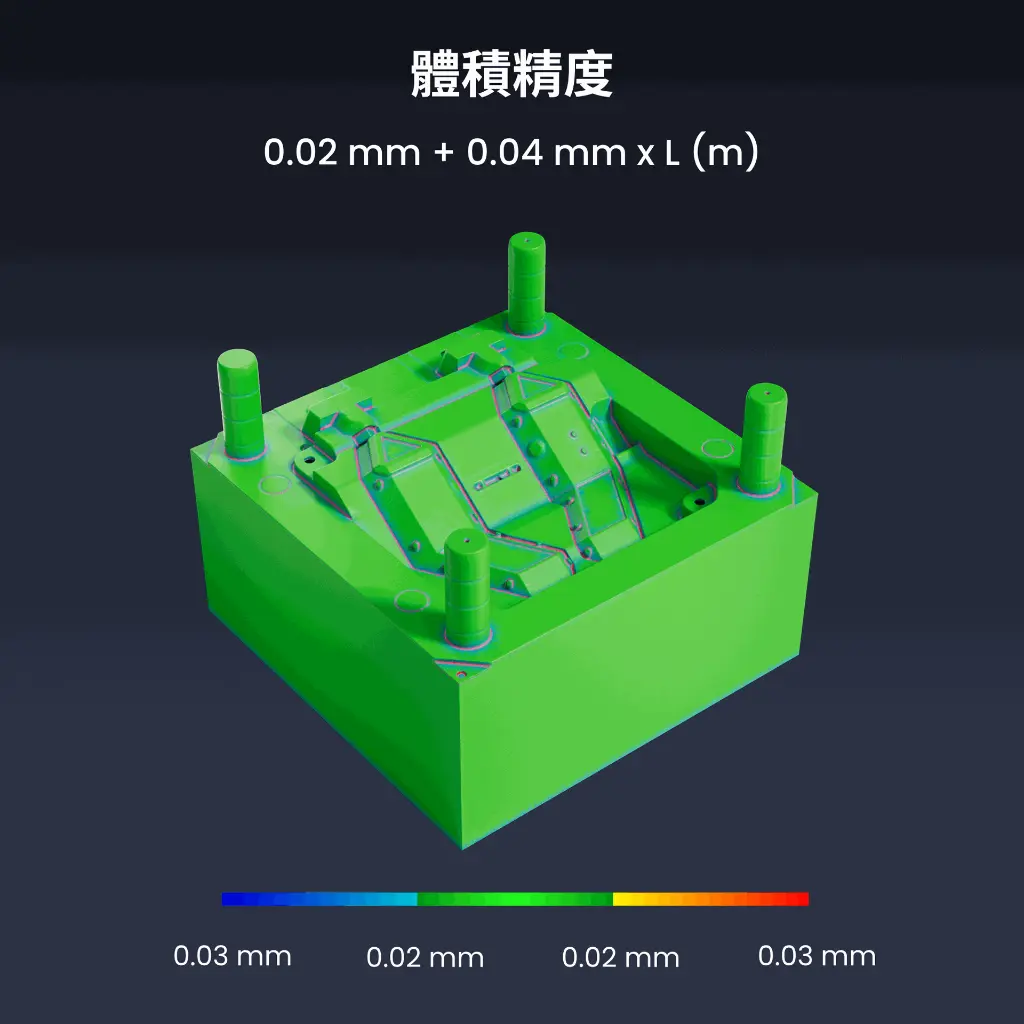
Volumetric Accuracy | 0.02 mm + 0.04 mm × L (m), L is the length of the object. | 0.02 mm + 0.04 mm × L (m), L is the length of the object. |
Fused Point Distance, up to | 0.05 mm | 0.05 mm |
Working Distance | 200 ~ 400 mm | 200 ~ 400 mm |
Single Capture Area at Nearest Distance | 123 × 130 mm at 200 mm | 152 × 138 mm at 200 mm |
Single Capture Area at Furthest Distance | 290 × 260 mm at 400 mm | 332 × 276 mm at 400 mm |
Angular Field of View (H x V) | 43 × 33° | 49 × 38° |
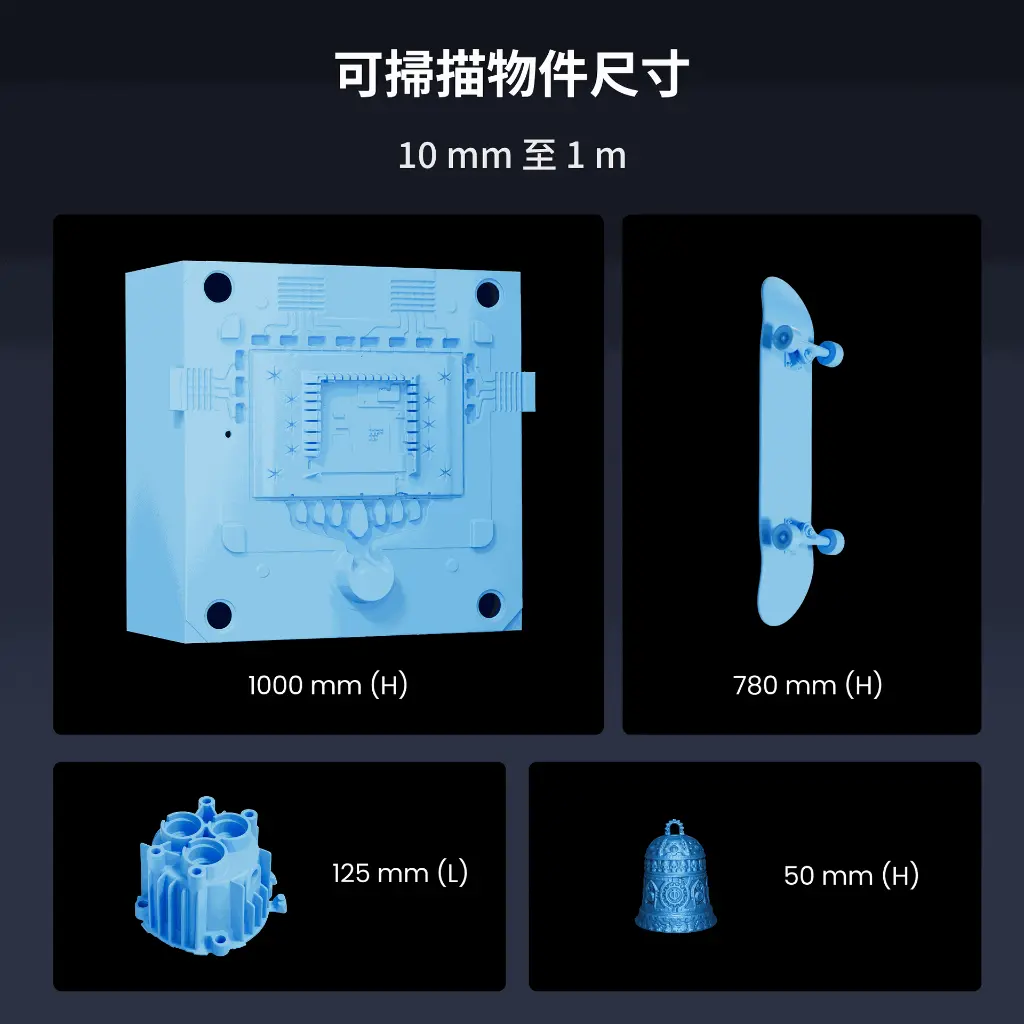
Minimum Scan Volume | 10 × 10 × 10 mm | 10 × 10 × 10 mm |
Maximum Scan Volume | 1 × 1 × 1 m | 1 × 1 × 1 m |
Scanning Speed, up to | Multi-line Laser Scan: 1, 500, 000 Points/s | Multi-line Laser Scan: 2,000,000 Points/s Full-field Structured Light Scan: 7,000,000 Points/s |
RGB Camera Resolution | 2 Megapixels | 2 Megapixels |
Colour Scanning | No | Only in Auto Turntable Mode |
Tracking Methods | Marker, Global Marker | Marker, Global Marker, Feature |
Outdoor Scanning | No | No |
3D Light Source | 30 Blue Cross Laser Lines 15 Blue Parallel Laser Lines 1 Blue Single Laser Line | 34 Blue Cross Laser Lines 15 Blue Parallel Laser Lines 1 Blue Single Laser Line 62 Line Blue Full-field Structured Light |
Fill Lights | 12 Blue LEDs | 12 Blue LEDs |
CPU | 4 core ARM, 2.0 GHz | 4 core ARM, 2.0 GHz |
Built-in Chip Computing | Depth Computing | Depth Computing |
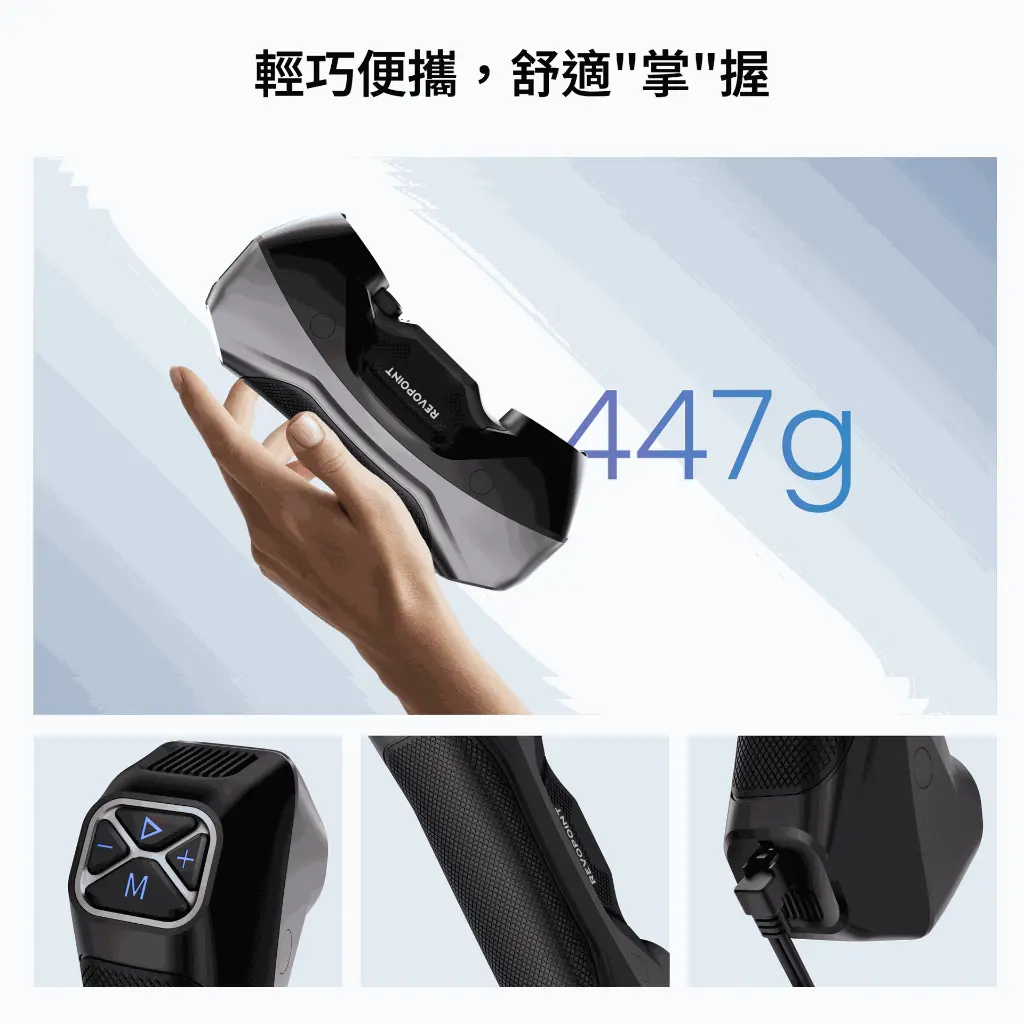
Buttons | 4 | 4 |
Minimum PC Requirements | macOS CPU: M2 Pro RAM ≥ 16GB Windows CPU: Intel i7 13th Gen or AMD Ryzen 7 5800 RAM ≥ 32GB GPU: NVIDIA GeForce RTX 3060 (8GB) Note: ① If you're unsure about the CPU configuration, please ensure that the CPU has cores≥8, threads≥16, and a base frequency ≥2.4GHz. ② Only in Laser Line Scanning modes, a dedicated graphics card is required for acceleration. AMD and MAC GPUs do not currently support acceleration. | macOS CPU: M2 Pro RAM ≥ 16GB Windows CPU: Intel i7 13th Gen or AMD Ryzen 7 5800 RAM ≥ 32GB GPU: NVIDIA GeForce RTX 3060 (8GB) Note: ①If you're unsure about the CPU configuration, please ensure that the CPU has cores≥8, threads≥16, and a base frequency ≥2.4GHz. ② Only in Laser Line Scanning modes, a dedicated graphics card is required for acceleration. AMD and MAC GPUs do not currently support acceleration. |
Recommended PC Requirements | macOS CPU: M4 Pro or better RAM ≥ 24GB Windows CPU: Intel i9 12th Gen or better RAM ≥ 64GB GPU: NVIDIA RTX 4060 (8 GB) or better | macOS CPU: M4 Pro or better RAM ≥ 24GB Windows CPU: Intel i9 12th Gen or better RAM ≥ 64GB GPU: NVIDIA RTX 4060 (8 GB) or better |
Compatible Operating Systems | Windows 10/11 (64-bit), macOS 11.0 or better | Windows 10/11 (64-bit), macOS 11.0 or better |
Output File Formats | PLY, OBJ, STL, ASC, 3MF, GLTF, FBX | PLY, OBJ, STL, ASC, 3MF, GLTF, FBX |
Ready to Print 3D Models | ✔ | ✔ |
Wi-Fi | 6 | 6 |
Connector Type | USB Type-C to Type-C | USB Type-C to Type-C |
Power Requirements | DC 12V, 3A | DC 12V, 3A |
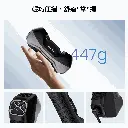
Scanner Weight | 447 g | 450 g |
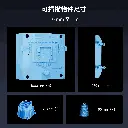
Dimensions (L x W x H) | 211 × 94 × 47 mm | 211 × 94 × 47 mm |
Special Object Scanning | Please use scanning spray when scanning transparent or specular surfaces. | Please use scanning spray when scanning transparent or specular surfaces. |
User Recalibration | Yes | Yes |
Supported Accessories | Marker Block Kit, Mobile Kit (3rd Gen) | Marker Block Kit, Mobile Kit (3rd Gen), Dual-axis Turntable |
Notes | 1. Precision is how close repeated measurements of the same object at a single angle are to each other. Accuracy is how close a measured value at a single angle is to the actual (true) value. They were both acquired in a controlled lab environment. Actual results might vary, subject to the operation environment. 2. Class 1 Laser Safety Tips: 1) The product uses a Class 1 laser projector. Avoid looking directly at it at close range! Please refer to the Class 1 laser standard document for details. 2) To prevent laser reflection, avoid placing reflective surfaces like mirrors or glass in the path of the laser beam. 3. This product has flashing lights, which may not be suitable for people with photosensitive epilepsy. 4. If you're unsure about the CPU configuration, please ensure that the CPU has cores≥8, threads≥16, and a base frequency ≥2.4GHz. | 1. Precision is how close repeated measurements of the same object at a single angle are to each other. Accuracy is how close a measured value at a single angle is to the actual (true) value. They were both acquired in a controlled lab environment. Actual results might vary, subject to the operation environment. 2. Class 2M Laser Safety Tips: (1) The product uses a Class 2M laser projector. Avoid looking directly at it at close range! Please refer to the Class 2M laser standard document for details. (2) To avoid retina damage, don't look directly into the laser beam through optical instruments capable of magnifying it (e.g., telescopes, and camera lenses). (3) To prevent laser reflection, avoid placing reflective surfaces like mirrors or glass in the path of the laser beam. 3. This product has flashing lights, which may not be suitable for people with photosensitive epilepsy. 4. If you're unsure about the CPU configuration, please ensure that the CPU has cores≥8, threads≥16, and a base frequency ≥2.4GHz. |